Body
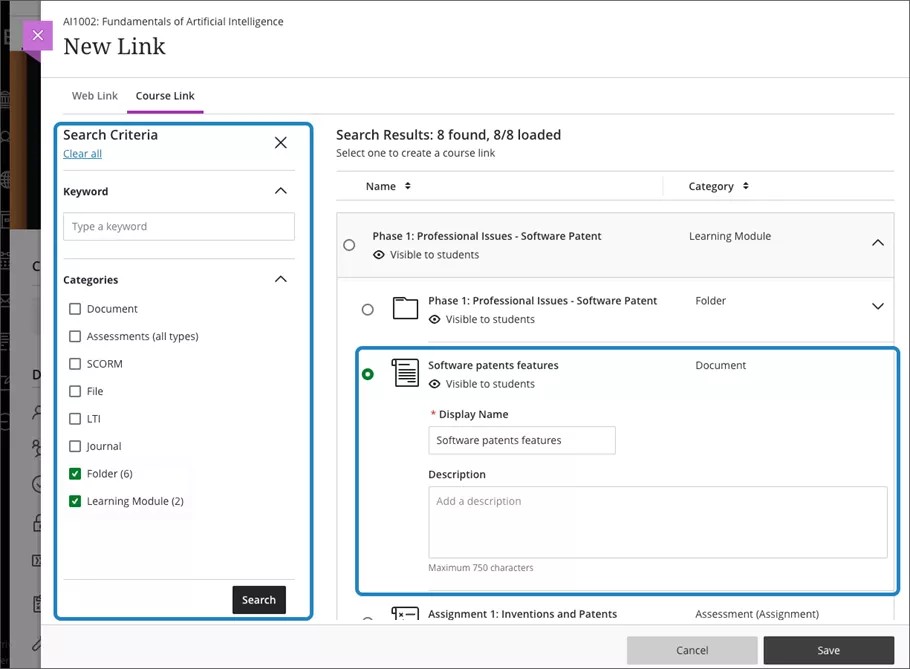
Creating Course Links
Select the plus option on the Course Content page where you want your link to appear. Select create and then the Link option.
When you add a course link at the Course Content page, you can add course links to any content item.
Please follow the instructions on the following website for posting a web link in Bb:https://help.blackboard.com/Learn/Instructor/Ultra/Course_Content/Create_Content/Create_Course_Materials/Link_to_Websites
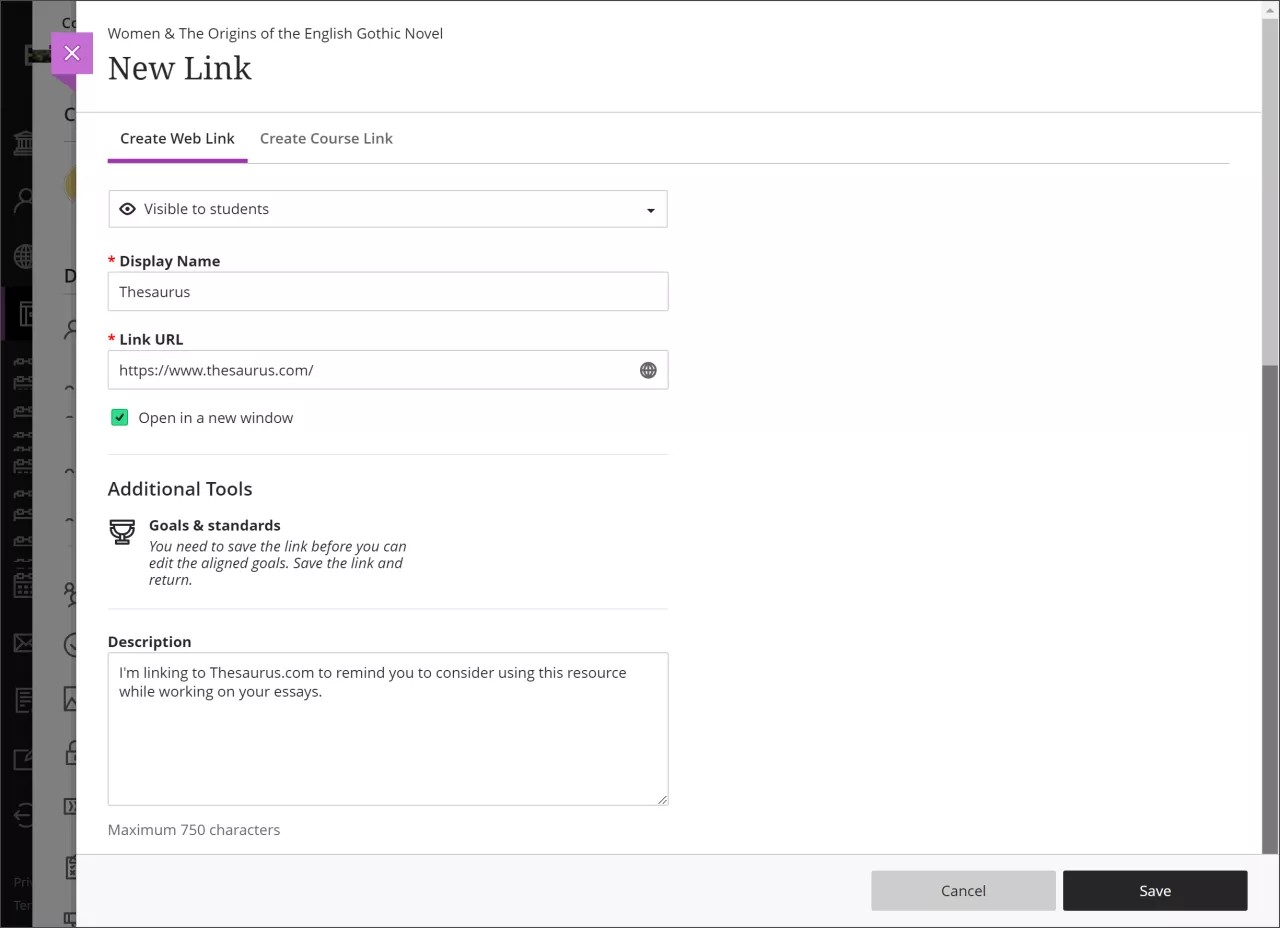
Create Web Link
Select the plus option on the Course Content page where you want your link to appear. Select create and then the Link option.
Select the Create Web Link tab to add a web link. Add a display name and paste the URL. When you are ready, select save.