Blackboard Update will show Course Panels as Full-Screen Course Pages
Courses now open in full-screen mode. This update applies to top-level panels such as Course Content Homepage, Calendar, Announcements, Discussions, and Gradebook.
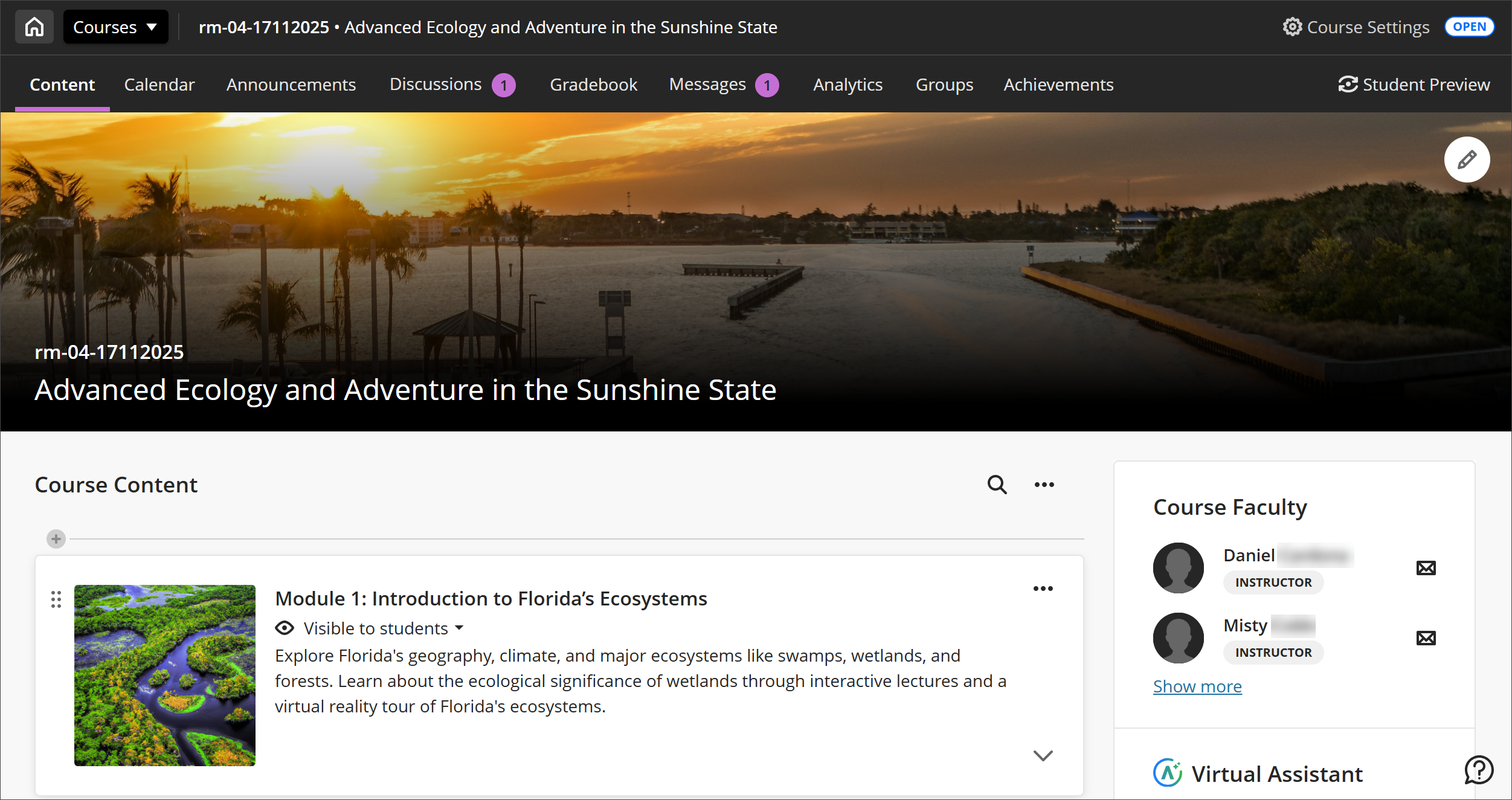
The “X” to exit a course is replaced with a Home button that returns you to your institution’s landing page (Activity Stream, Institution page, or Courses page). The “X” remains for lower-level panels like learning modules.
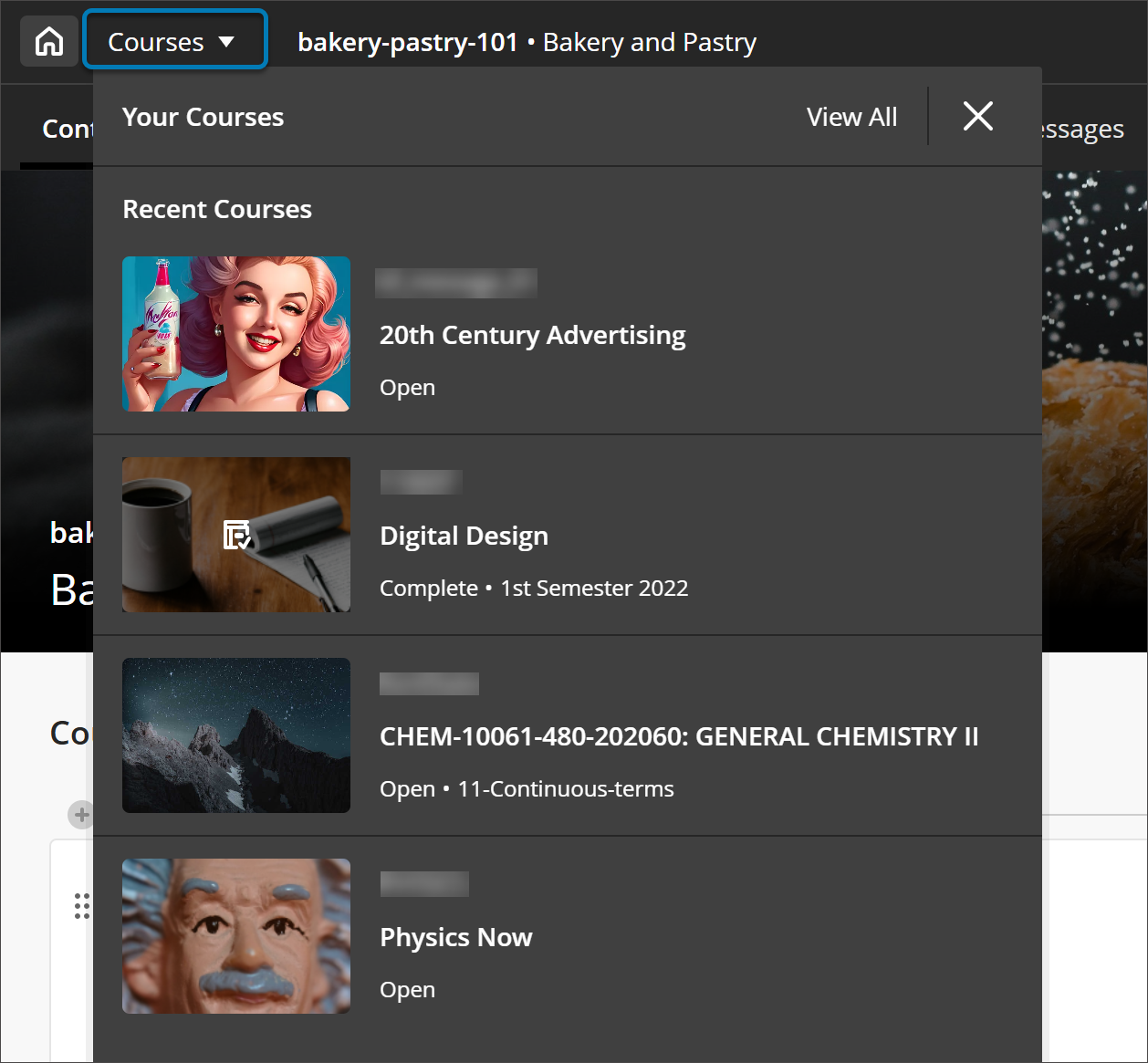
Users can quickly jump between their four most recent courses or go to the full Courses page.